
Field of View
BF2142 has no FOV slider, and many players find the default view a bit narrow. Here’s how to widen it with a quick file edit.
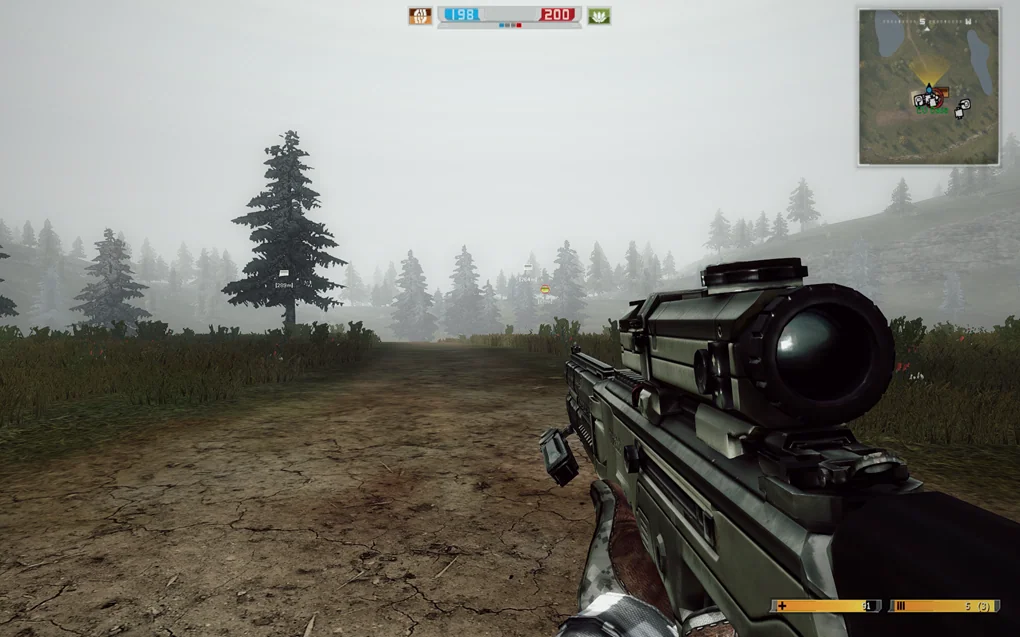
1.1 (default)
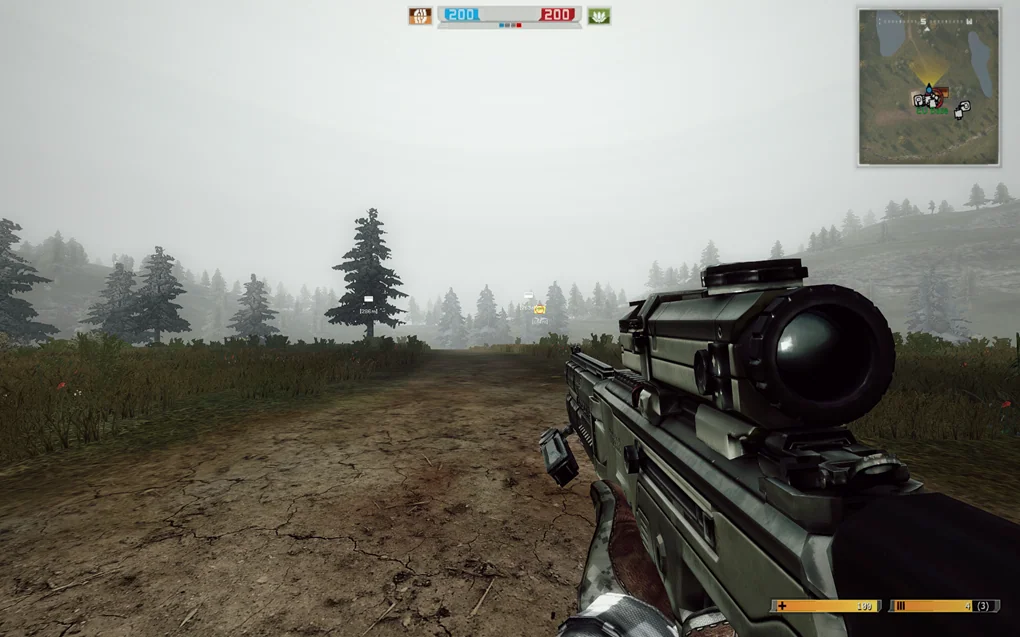
1.5
Before you start
Section titled “Before you start”- Your game folder is where
BF2142.exelives, usuallyC:\Program Files (x86)\Electronic Arts\Battlefield 2142. - You’ll edit
Objects\Soldiers_server.zipinsidemods\bf2142for vanilla, or inside your mod’s folder. - Back it up first by copying it as
Soldiers_server_o.zip, so you can always restore it.
-
Open
Soldiers_server.zip, go to theCommonfolder and openSoldierCamera.tweakwith a text editor. -
Find these two lines (the default value is
1.1):Terminal window ObjectTemplate.worldFOV 1.1ObjectTemplate.insideFOV 1.1 -
Change both values.
1.5is a good place to start.For reference,
1.1is roughly 60 - 65° and1.6roughly 90 - 95°. You can go from0.65(like Battlefield Play4Free) up to1.85, but extreme values don’t look great. -
Save the file.
Can’t save? Copy the
.zipto your desktop, edit it there, then copy it back.
Good to know
Section titled “Good to know”- Undo the changes before joining Reclamation or other online servers, unless the server uses this tweak too.
- Hosting with this tweak? Players who join need it too.
- To uninstall, restore your backup.
Credits
Section titled “Credits”- illicitSoul for explaining how to modify the FOV @ BF2/BF2142 FOV Modding Tutorial